
Online Access to Your Individual Dose Report
The Individual Dose Report (IDR) by Landauer allows badged workers to login and look up their dose records online. All participants who have an email address in the system will be notified when Annual Form 5s are published.
To protect your privacy, dose records will be displayed without any personal information. Step-by-step instructions are listed below.
Step 1
To use the feature, navigate to: https://myldr.landauer.com/individualdosereview
Step 2
Enter your Pitt/UPMC email address then click "Send Link."
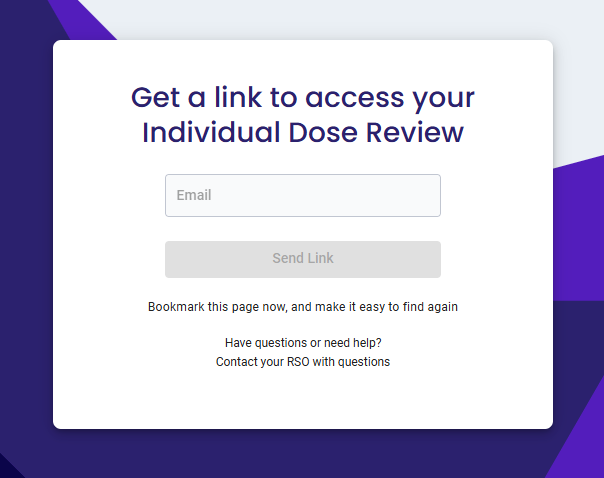
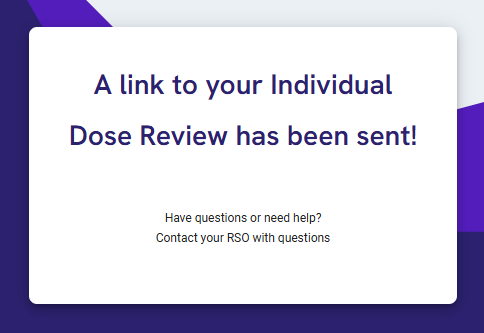
You will then receive confirmation that an access link was sent to your email.
Step 3
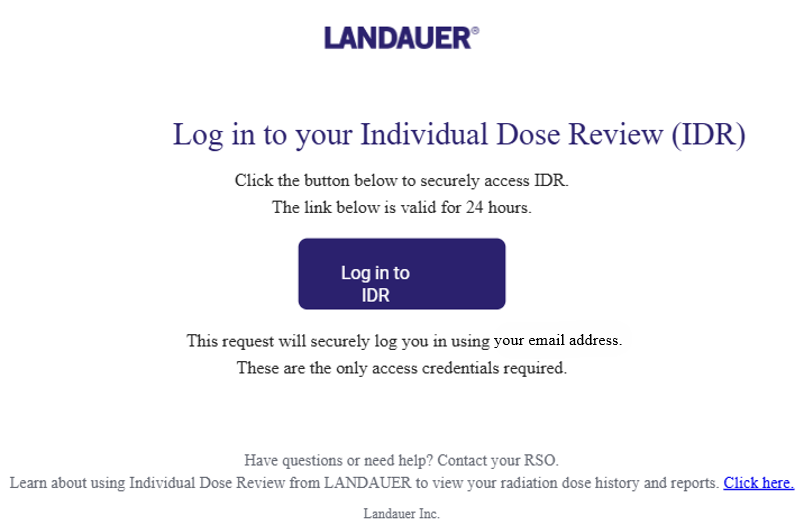
Navigate to your email inbox and look for a message like this. Click "Log in to IDR."
Step 4
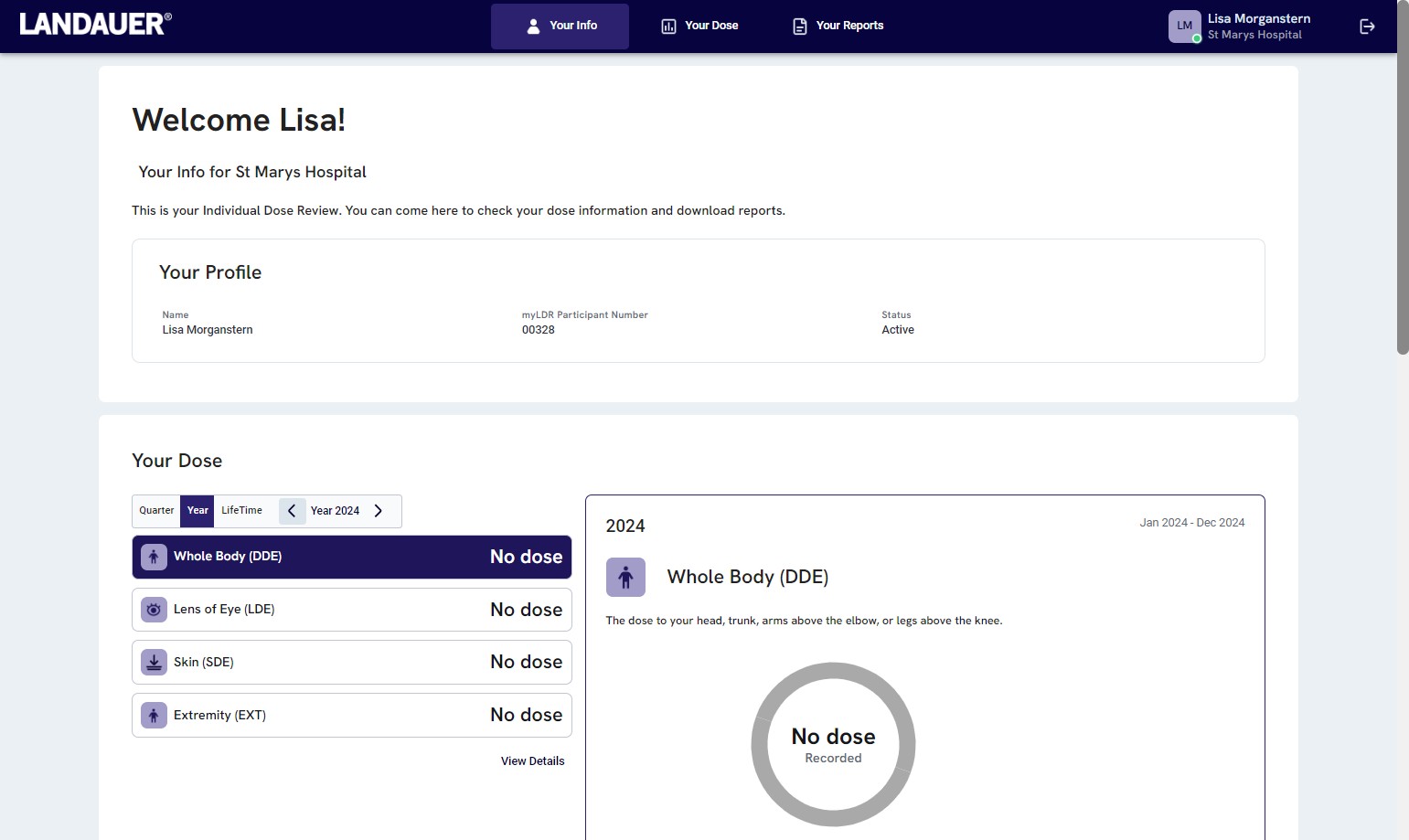
You will now see a summary of your dosimetry results. You may view your most recent quarter’s results, the last two years’ totals, and lifetime. You may access any published reports by clicking "Your Reports" at the top of the screen.
If you have any questions or issues accessing your individual dose report, contact the Radiation Safety Office at radsafe@pitt.edu or 412-624-2728.